
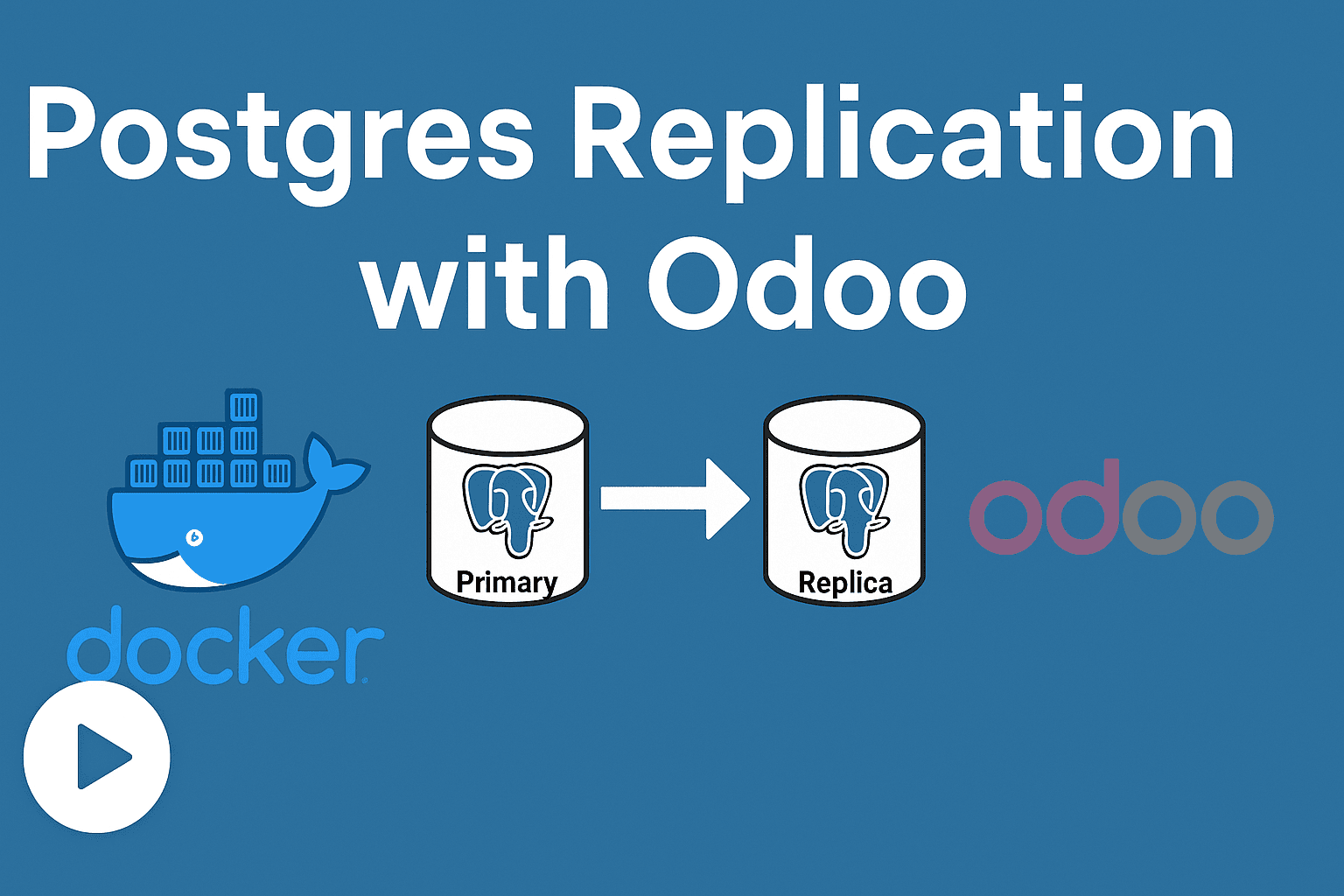
In this post, I show how to test PostgreSQL replication with Odoo 19, using a Docker Compose setup. The demo is based on:
- the YouTube video: “Odoo 19 w/ PostgreSQL Replication Demo”
- the GitHub repo: erpgap/Odoo-19-Replication-Demo
The goal is to have a primary database for writes and one or more replicas for reads, so Odoo can distribute load better, increase reliability, etc.
Overview
Here are the major pieces in this replication demo:
- A Docker Compose setup with two PostgreSQL nodes: the primary and a replica.
- Scripts in the repo to:
- create a replication user
- set up the connection between primary and replica
- Configuration of Odoo so that reads are directed to replica(s), writes go to the primary.
- A validation flow: create data, read data, monitor that reads are served from replica, while writes go to primary.
Setup Steps
Below are the concrete steps followed in the video / repo to get things working.
1. Prepare environment
docker compose down -v
docker compose up -d
- This shuts down existing containers and removes volumes to start from clean slate.
- Then brings up containers in detached mode.
You should see two PostgreSQL services:
pg_primary(on port 5433)pg_replica(on port 5434)
2. Configure replication
- There is a script or SQL in the repo to create a replication user (called e.g.
dd) in PostgreSQL. - The replica is connected to the primary using this user.
- Odoo’s config file (
odoo.conf) is set so that:
[options]
db_host = localhost
db_port = 5433               ; primary for writes
db_replica_host = localhost
db_replica_port = 5434       ; replica for reads
3. Run Odoo with the configuration
- Activate the virtual environment (if used) or otherwise ensure Odoo can be run with the configuration.
- Use the command:
odoo -c odoo.conf
- Make sure the replication user is created before starting, or else Odoo will throw an error about missing user.
4. Validate behavior
- Log in to Odoo (in the video it’s
admin / admin). - Install a module (like Sales).
- Create a product: e.g. Test 001. Saving it should perform a write → that should go to the primary.
- Do read operations (viewing records) multiple times to ensure they are served by the replica.
You can watch the logs on both pg_primary and pg_replica containers:
docker compose logs -f pg_primary
docker compose logs -f pg_replica
- Writes should appear in the primary logs
- Reads in the replica logs
Observations & Tips
- On local machines, things might seem slow, but this setup is mostly for demonstration / testing. ([YouTube][1])
- Odoo 19 has built-in capability (since ~18) to support read / replica routing; this approach relies on that.
- You can extend this by adding multiple read replicas to distribute read load further.
Conclusion
This replication demo is a great way to understand how Odoo + PostgreSQL can be set up for primary/replica, to enhance reading performance and resilience. The GitHub repo has all scripts and docker compose configs to get you started.
Video